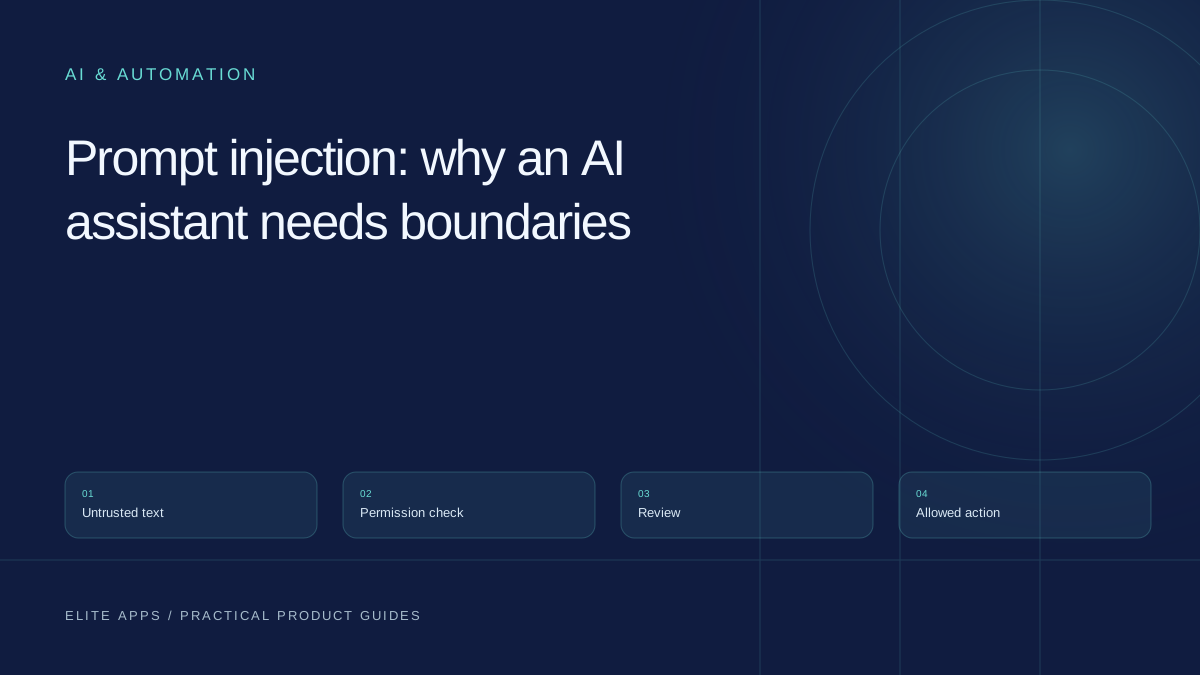
Set practical boundaries for AI actions. Decide what can be automatic, what needs review, how to make approval meaningful, and how to stop or reverse a mistake.
Begin with the consequence, not the confidence score
An assistant can recommend a response, send it to a customer or change the customer's account. Those may look like neighbouring buttons, but they have different consequences. Permission should follow the action and the business impact, rather than how certain the generated answer sounds.
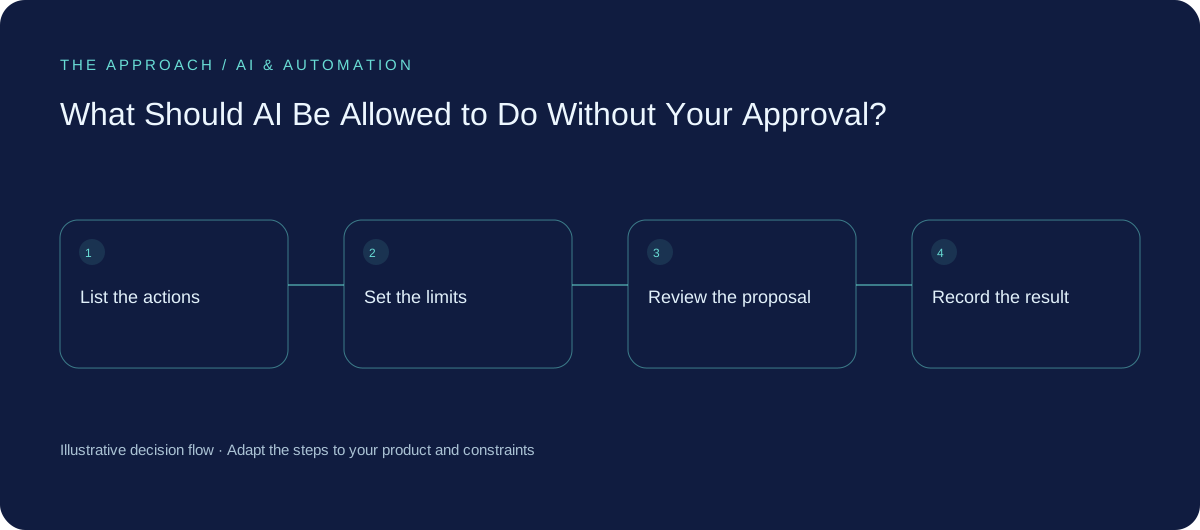
Start by listing what the proposed system can actually do. Reading a record, drafting a message, sending it, issuing a refund and deleting information are separate permissions. Avoid granting a broad account role because it makes the demonstration easier. Restrict access to the records and actions needed for the agreed job.
Create a small action register
For every action, name the owner, the permitted scope and the point at which a person must approve. Include the affected customer or system, the spending or volume limit where relevant and the recovery route.
Automatic actions can be appropriate when they are bounded, testable and easy to correct—for example, labelling an internal request under clear rules. Drafting an external message is different from sending one. Payments, access changes, destructive operations and commitments need controls proportionate to their impact. This is a design discussion with the responsible business specialists, not a universal list of actions that are safe for every organisation.
| Action | Possible starting control |
|---|---|
| Read approved knowledge | Restricted, read-only access |
| Prepare a reply | Draft with source references |
| Send to a customer | Review exact text and recipient |
| Change a booking | Permission checks and explicit confirmation |
| Pay, delete or change access | Dedicated controls and authorised approval |
Approval needs enough information to be a decision
A reviewer who sees only “approve?” has little chance of catching a mistake. Show the exact proposed action, the recipient, the relevant source and the effect on the business. For a message, show the final text and destination. For a record change, show before and after.
Make rejection and editing straightforward. Allow time to inspect unfamiliar cases. Avoid a queue where people are expected to approve hundreds of opaque suggestions simply to keep the process moving. Human review adds value when the person has authority, context and a realistic opportunity to disagree.
Check again when the action is taken
A customer may change a booking after the assistant prepares its recommendation. A document may be updated while approval is waiting. Before executing the action, confirm that the important conditions are still true and that the approval still applies to the same proposal.
Use ordinary application controls to enforce permissions and limits. A sentence in a prompt saying “do not spend more than this” is not the same as a limit the software enforces. Documents and messages can contain misleading instructions; treat external content as information to assess, not authority to expand what the assistant is allowed to do.
Make errors visible and recoverable
Keep an appropriate record of the proposal, approval, execution result and responsible identity. Collect only the detail needed for operations and accountability, with suitable access and retention. Assign someone to review failed or uncertain actions.
Provide a way to pause the automation while preserving incoming work. Know which operations can be reversed, which need a correction and which cannot be undone. Sending a message cannot be treated like editing an unsent draft. For an illustrative customer-service assistant, the fallback might be a staffed queue with the original request and a clear warning that no action has been confirmed.
Earn additional autonomy with evidence
Begin with a narrow permission set, observe actual results and review incidents. If a task becomes dependable under defined conditions, consider whether some approvals can be replaced with enforceable rules and exception review. Keep consequential actions under the controls they need.
Revisit permissions when the model, tools, knowledge sources or business process change. An approval arrangement tested for drafting support replies does not automatically cover issuing credits or changing customer access. The objective is a process people can trust and operate, not the highest possible percentage of actions performed without intervention.
Your next working session
- List read, draft, send, change and delete as separate actions.
- Name owners, limits and approval requirements.
- Show the exact action and source to the reviewer.
- Test stale approvals, pause controls and recovery.
Go deeper
Sources and further reading
Supporting technical guidance, checked 25 October 2026. The worksheets, scenarios and calculations above are illustrative planning material, not client results.
Elite Apps editorial · Published 25 October 2026. General business planning guidance; not a supplier quote or professional advice. Product capabilities and terms can change. Check the details for your own workflow before investing.