Compare Kotlin, Java, Dart, JavaScript and C++ around the product you need to maintain, rather than a popularity ranking.
Kotlin for an Android-focused product
Kotlin is a practical starting point for a new native Android product. Google provides Android tooling and learning material built around it, including Jetpack Compose. For a booking app that needs dependable notifications, accessibility and device integration, start by describing those tasks. Ask the development team to demonstrate the uncertain device behaviour before committing to an architecture. A language choice alone does not establish product quality.
Java when the existing investment matters
An established Android app may contain Java code that already works well. Replacing all of it simply to adopt a newer language can consume budget without changing the customer experience. Review test coverage, dependencies and the cost of maintaining the current code. Where appropriate, a team can introduce Kotlin incrementally. Make that a deliberate migration plan, with ownership and regression checks, rather than an unplanned mixture.
Dart and JavaScript for shared mobile journeys
Dart is used with Flutter; JavaScript or TypeScript can be used with React Native. These are framework decisions as well as language decisions. A shared codebase may suit a product offering similar journeys on Android and iOS, but native integrations, accessibility and platform testing still need attention. Ask for a prototype of the hardest feature and a maintenance estimate covering both stores. Do not assume that shared code means half the work.

C++ for a bounded technical requirement
C++ may be relevant to an existing native library or specialised processing component. It should answer a concrete requirement rather than become the default language for every screen. Integration brings its own build, debugging and security responsibilities. Define the boundary between the native component and the rest of the application, then measure the behaviour that justified introducing it.
Make the decision reviewable
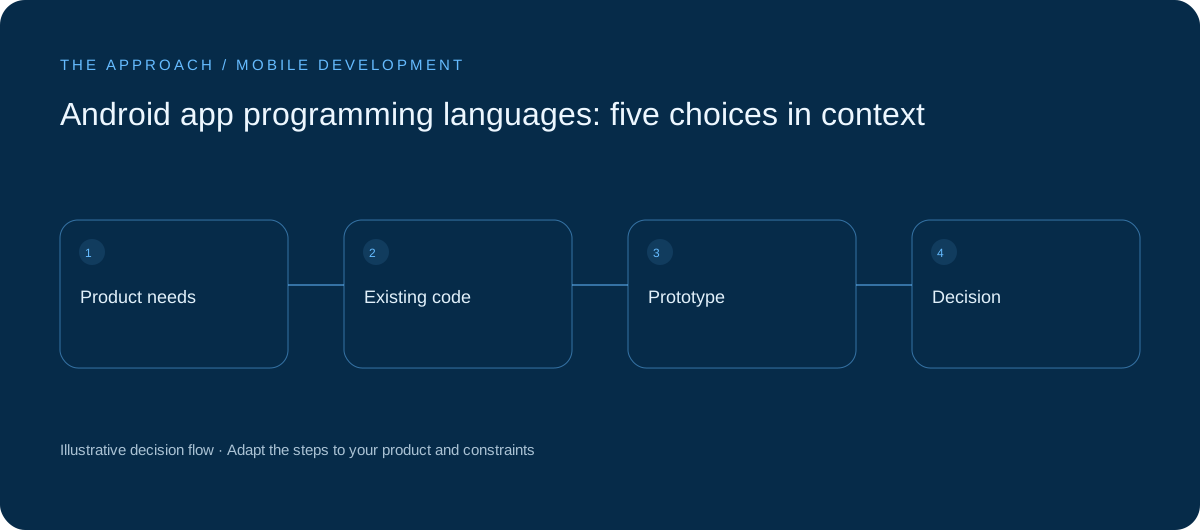
Write a short decision record covering device capabilities, supported platforms, existing code, available skills and ongoing support. Include what was tested and what remains uncertain. For a UK startup, the useful comparison is the cost of delivering and maintaining the complete customer journey, not the cheapest initial implementation. Revisit the choice only when requirements or evidence change.
Your next working session.
- List platform-specific requirements
- Prototype the hardest integration
- Compare maintenance across both platforms
Bring one real, anonymised example to the discussion. Work through the choices above with the person responsible for the outcome, record the unresolved questions and agree who will investigate them.
Further reading
Primary references for the technical concepts discussed in this guide:
Elite Apps editorial · Practical planning guidance. Examples and diagrams are illustrative; implementation depends on your requirements. Technical and supplier guidance can change.