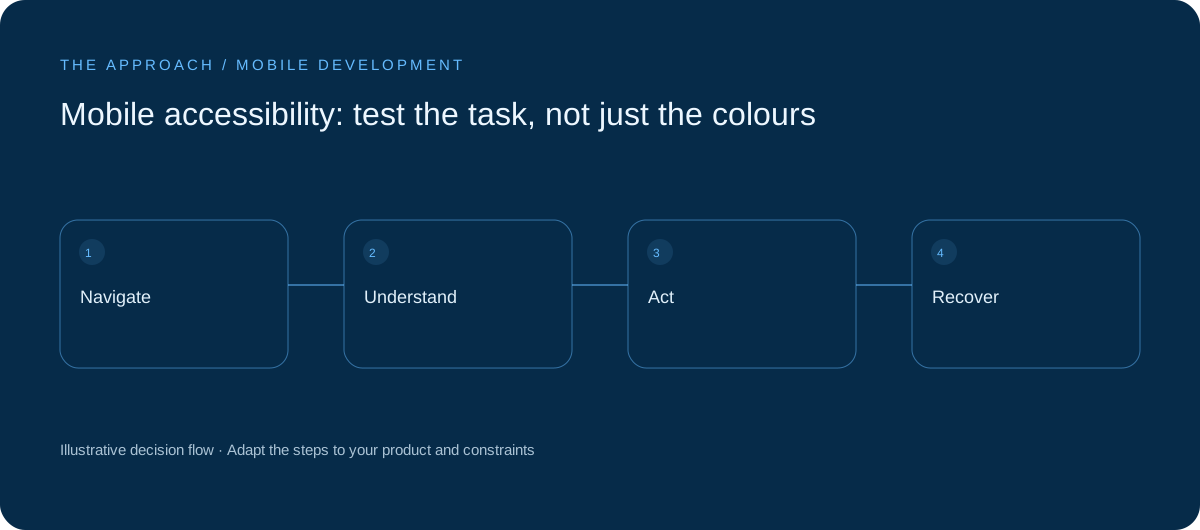
Check real journeys with assistive technology, larger text and alternative interactions.
Choose actual tasks
Test sign-in, booking and recovery using the same goals as product acceptance. A screen can look polished while leaving someone unable to identify a control or reach the next step. Record barriers in terms of their effect on completing a task, rather than treating accessibility as a visual finishing exercise.
Label and organise controls
Accessible names should describe actions, not icon shapes. Ensure a logical reading order and announce important state changes without constant interruption. Provide alternatives to colour-only status. A meaningful label and predictable navigation can matter more than a visually sophisticated custom control whose purpose is unclear to assistive technology.
Let the layout adapt
Try larger text, longer content and narrow displays. Essential controls should remain reachable when labels wrap. Check focus when opening and closing a modal. Framework defaults are not enough if custom styling changes the composed experience; test the final interface and the surrounding context.
Combine tools with observation
Automated checks detect some mistakes but cannot establish that a task is understandable. Use platform accessibility tools, manual testing and feedback from assistive-technology users where possible. Prioritise blockers and repeated friction. Preserve the checks in the release process so an accessible first version does not regress with later features.
Your next working session.
- Try larger text
- Check labels and focus
- Retest core tasks
Bring one real, anonymised example to the discussion. Work through the choices above with the person responsible for the outcome, record the unresolved questions and agree who will investigate them.
Elite Apps editorial · Practical planning guidance. Examples and diagrams are illustrative; implementation depends on your requirements. Technical and supplier guidance can change.