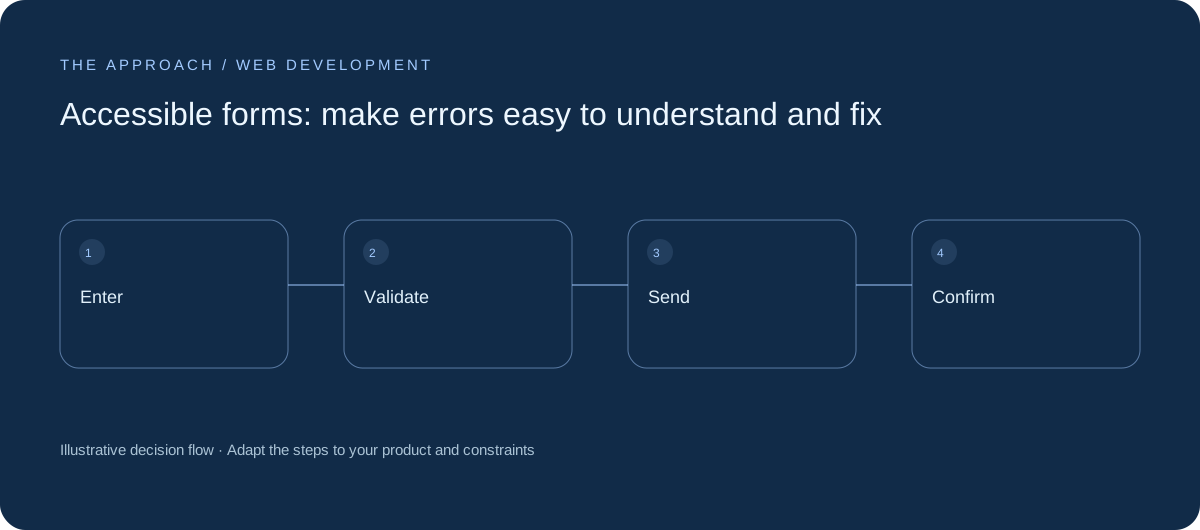
Design labels, validation and confirmation around successful completion.
Use labels that stay visible
A placeholder disappears while typing and should not be the only explanation of a field. Provide persistent labels and useful examples where needed. Distinguish required information from optional context. Ask only for data necessary to handle the request. Shortening a form is useful when it removes unnecessary work rather than essential clarity.
Validate without erasing progress
Explain what needs correcting near the field and provide an understandable route to it. Keep completed entries after an error. Do not rely only on colour or a message at the top of a long form. Check keyboard order and how errors are announced with assistive technology. W3C’s forms tutorial is a helpful implementation reference.
Separate sending from success
Disable accidental duplicate submission while a request is in progress, but provide recovery after failure. A browser click is not confirmation that the server recorded the enquiry. Show success only after a confirmed response. Explain how the user can keep their work if delivery is unavailable.

Test the uncomfortable cases
Try an invalid email, a slow connection, a long message and a failed server response. Test zoom and mobile keyboards. Avoid asking users to diagnose technical errors. The message should explain what happened, whether their submission was received and what action is available next.
Your next working session.
- Keep labels visible
- Preserve entered information
- Confirm server receipt
Bring one real, anonymised example to the discussion. Work through the choices above with the person responsible for the outcome, record the unresolved questions and agree who will investigate them.
Further reading
Primary references for the technical concepts discussed in this guide:
Elite Apps editorial · Practical planning guidance. Examples and diagrams are illustrative; implementation depends on your requirements. Technical and supplier guidance can change.