Test a real task instead of asking whether people like the design.
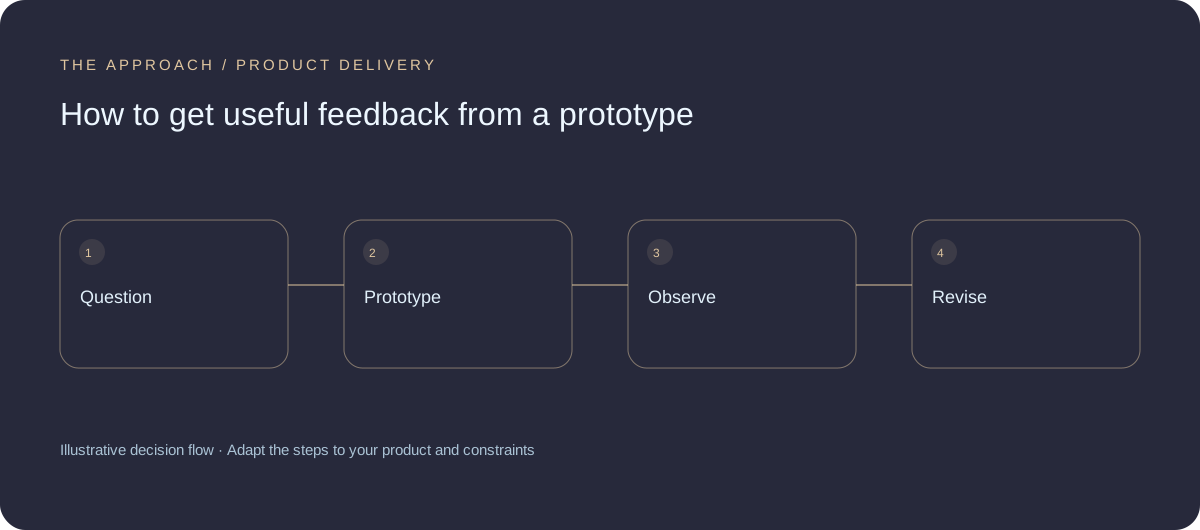
Choose the uncertain decision
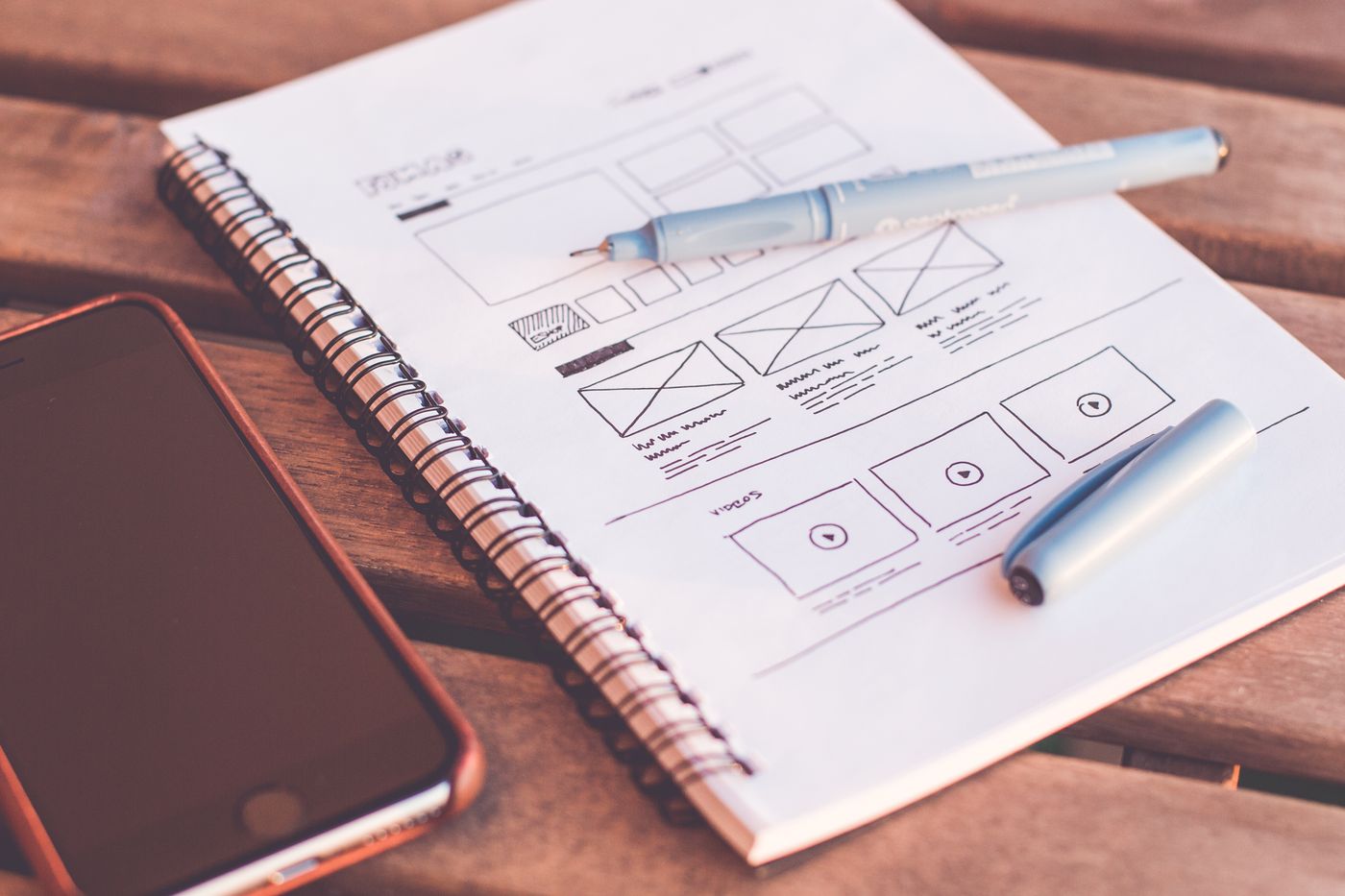
A prototype should help resolve something: whether a navigation makes sense, whether a booking flow is understandable or whether a feature addresses the intended task. State that question before building screens. A beautiful prototype with no learning objective may help presentation while contributing little to a product decision.
Give a realistic task
Describe the goal without explaining which control to choose. Observe where the participant hesitates and what they expect to happen. Avoid rescuing them immediately or defending the design. Their confusion is evidence about the current interface, not a personal criticism of the people who created it.
Separate preference from behaviour
Someone may praise a layout while failing to complete the task. Record what happened and ask neutral follow-up questions. Use representative participants rather than only colleagues who already know the product. A prototype is limited: simulated data and missing system behaviour can make an interaction feel easier than the eventual service.
Decide what changes
Group observations by the decision they affect. Fix clear blockers, investigate ambiguous findings and retain useful patterns. Test the uncertain part again rather than redesigning everything from a small number of comments. Document the assumptions still untested so the development team does not mistake a reviewed prototype for complete validation.
Your next working session.
- State a learning question
- Observe tasks neutrally
- Record untested assumptions
Bring one real, anonymised example to the discussion. Work through the choices above with the person responsible for the outcome, record the unresolved questions and agree who will investigate them.
Elite Apps editorial · Practical planning guidance. Examples and diagrams are illustrative; implementation depends on your requirements. Technical and supplier guidance can change.