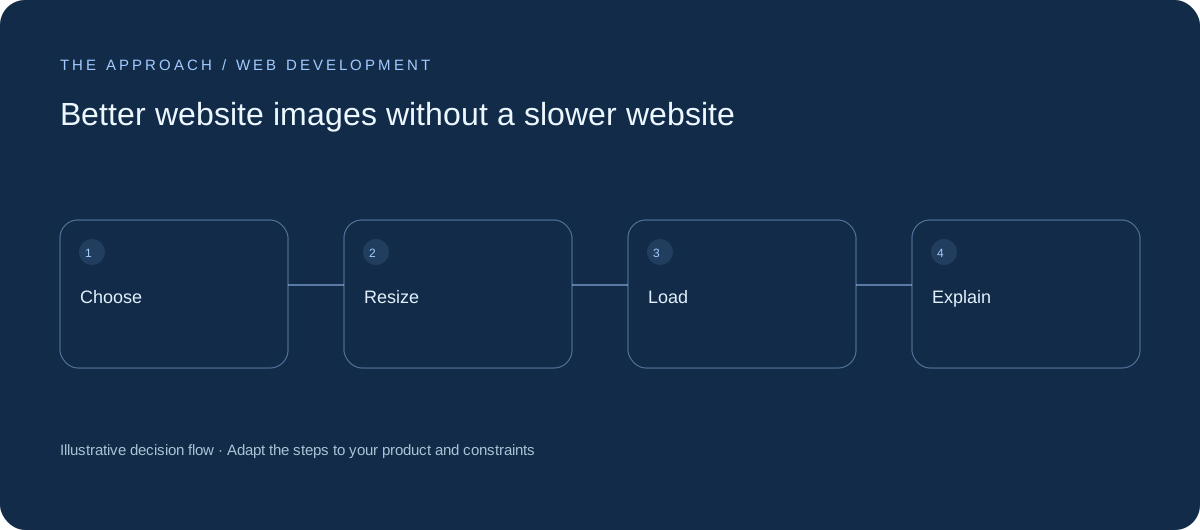
Choose relevant photography, correct dimensions and loading behaviour together.
Choose an image with a job
An image should explain a product, establish context or support the message. Decorative stock photography repeated across unrelated articles adds little. Write the purpose before choosing the asset. For technical subjects, a clear diagram may communicate more than another photograph of a laptop. Keep source and usage rights documented.
Match dimensions to display
A small card rarely needs the same image size as a wide hero. Generate suitable variants and let the browser choose an appropriate source where supported. Preserve a sensible crop on small screens. Check that the meaningful part remains visible rather than centring every image regardless of its subject.
Load in the right order
Prioritise the image essential to the opening view and defer lower-page media. Provide dimensions to reduce layout movement. Avoid loading large galleries before the visitor needs them. Measure the final page: file size is relevant, but network priority and render timing can also affect perceived loading.

Describe meaning accessibly
Use alternative text when an image conveys information not already available nearby. Decorative imagery can use empty alternative text. Diagrams need a textual explanation of the relationships they communicate. Captions should distinguish illustrative imagery from real project evidence, especially when the surrounding copy discusses business outcomes.
Your next working session.
- Assign an image purpose
- Serve appropriate sizes
- Explain diagrams in text
Bring one real, anonymised example to the discussion. Work through the choices above with the person responsible for the outcome, record the unresolved questions and agree who will investigate them.
Elite Apps editorial · Practical planning guidance. Examples and diagrams are illustrative; implementation depends on your requirements. Technical and supplier guidance can change.